SHOOT GLOBAL
SG Pulse Pro + Master kit
SG Pulse Pro + Master kit

SKU:SG Pulse Pro
Out of stock
Couldn't load pickup availability
1. Stability Mode
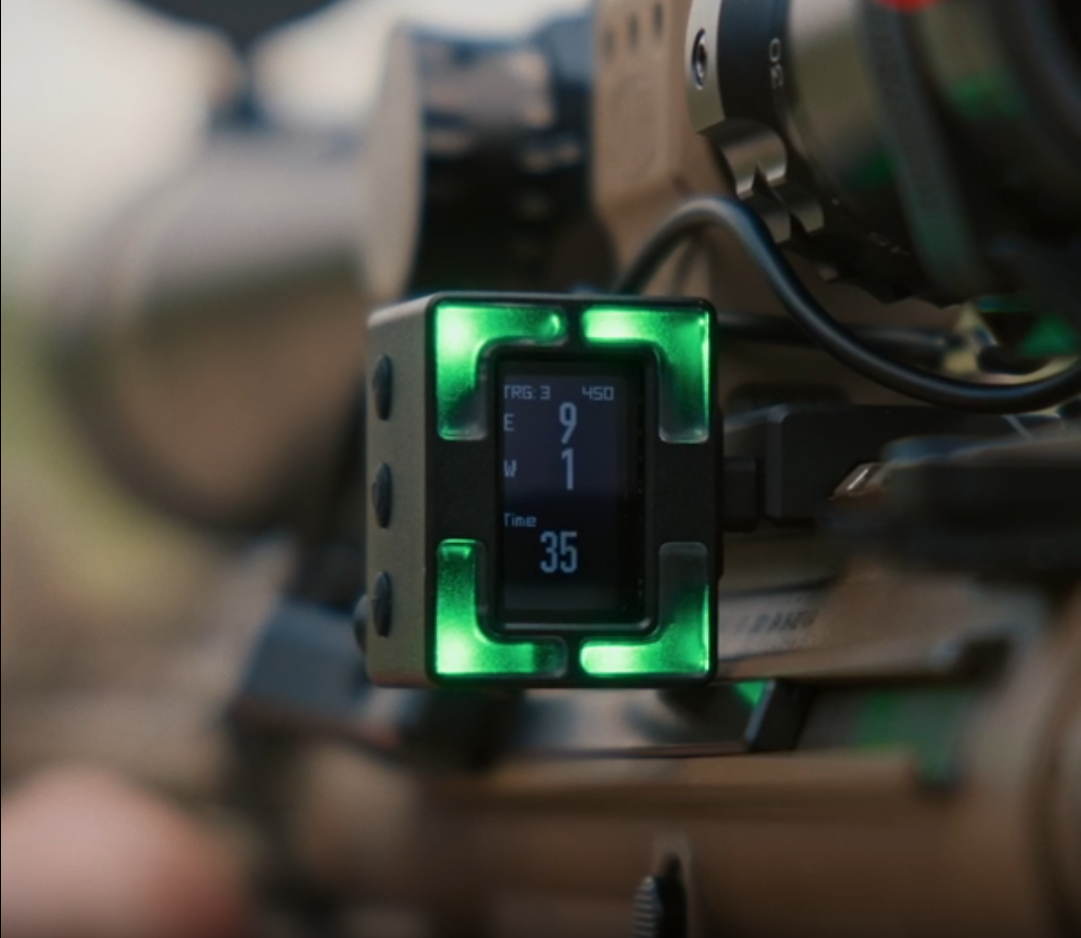
Stability Mode doesn't just tell you whether the rifle is "steady/unsteady" — it measures movement and vibration and displays the value in your chosen unit, such as MOA.
For example, if you set the Green Zone to 2 MOA:
Over 2 MOA → not steady enough
≤ 2 MOA → the LED turns green
The shooter can use it to help find the right moment to press the trigger.
2. Muzzle Path / Muzzle Trace
A standout feature of the SG Pulse Pro.
The device can record movement before and after the trigger pull, then display it as a Trace in the Drills App.
This lets you review:
Before the shot → during the shot → after the shot
how it moved
The data helps you analyze things such as:
Steadiness
Trigger press
Recoil
Follow-through
3. Anti-Cant Digital Level
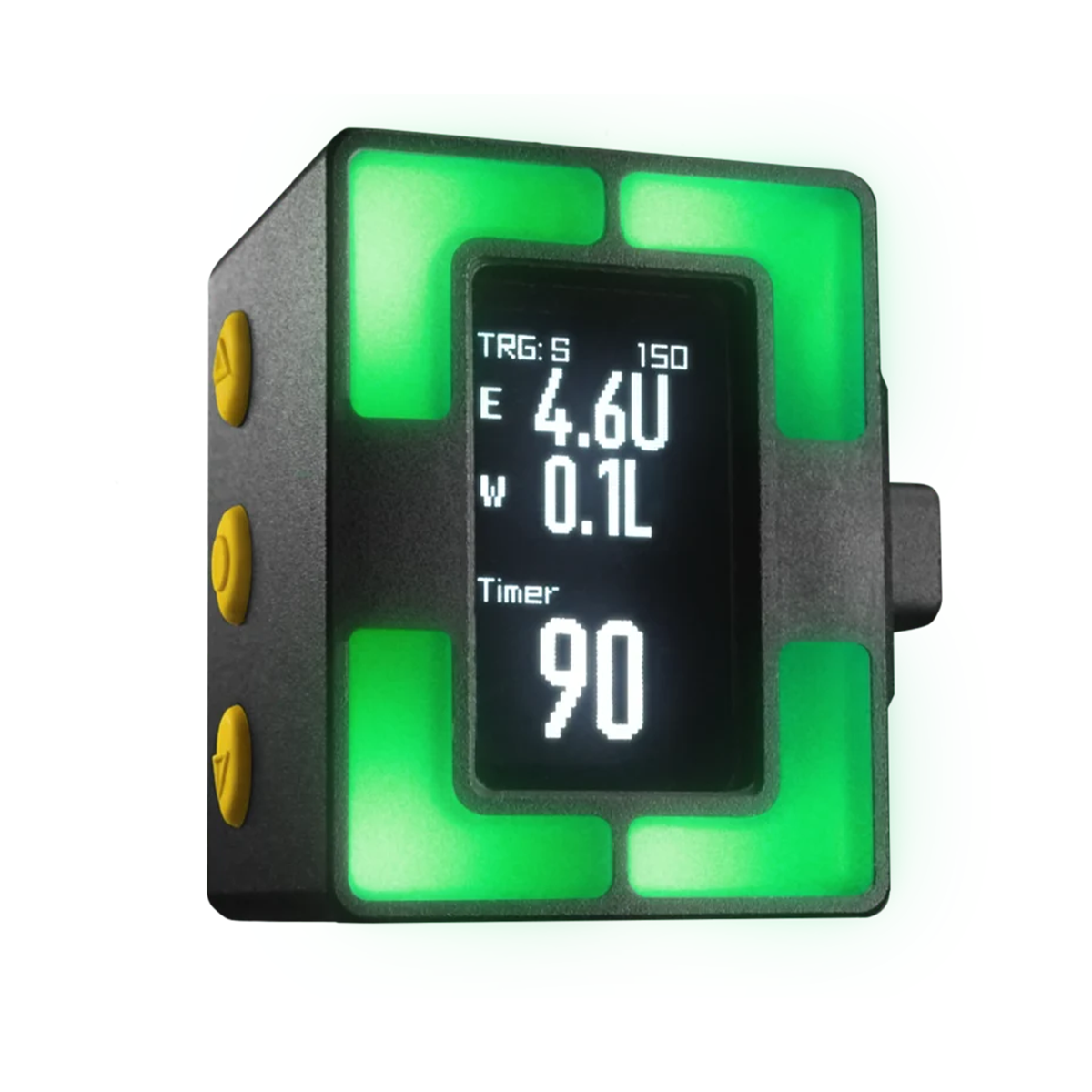
The SG Pulse Pro has a Digital Level to detect cant.
The device can display both:
-LED Indicator
-A numeric value on the LCD
4. Cosine Indicator
This system is used to view the barrel's angle, up or down.

5. Stage Timer
The Pulse Pro has a built-in Stage Timer, which can:
-Set the Stage time
-Start the timer from the device
-Work with a Remote Button
-Set an audible alert
-Show a Countdown on the screen
6. Digital DOPE Card
Another function that sets it apart from the standard SG Pulse is the Digital DOPE Card.
You can create a DOPE Card through the Drills App by entering data such as:
Target distance
-Wind Speed -Wind Direction
-Elevation -Bullet Data
7. Drills App
Drills is the main app for connecting to and managing the SG Pulse Pro's data.
It can be used to:
Set up the device
-Calibration -Update Firmware
-Set the Stability Zone -Create a DOPE Card
-Record a Shooting Session
-View data for each Shot -View the Muzzle Trace
-Analyze Stability -Record video with a Data Overlay
Session data is stored in Activity so you can come back and analyze it later.